How to photograph used items for sale: a practical shot checklist
Show what the buyer gets, how the item looks, and where it is worn. Use this simple photo plan before publishing your next secondhand listing.
This guide 5 sections
Start with the actual item
Photograph the item you are selling in clear, even light, then add close views of its condition and included parts. A buyer should be able to connect every important claim in your description to something visible in the photos.
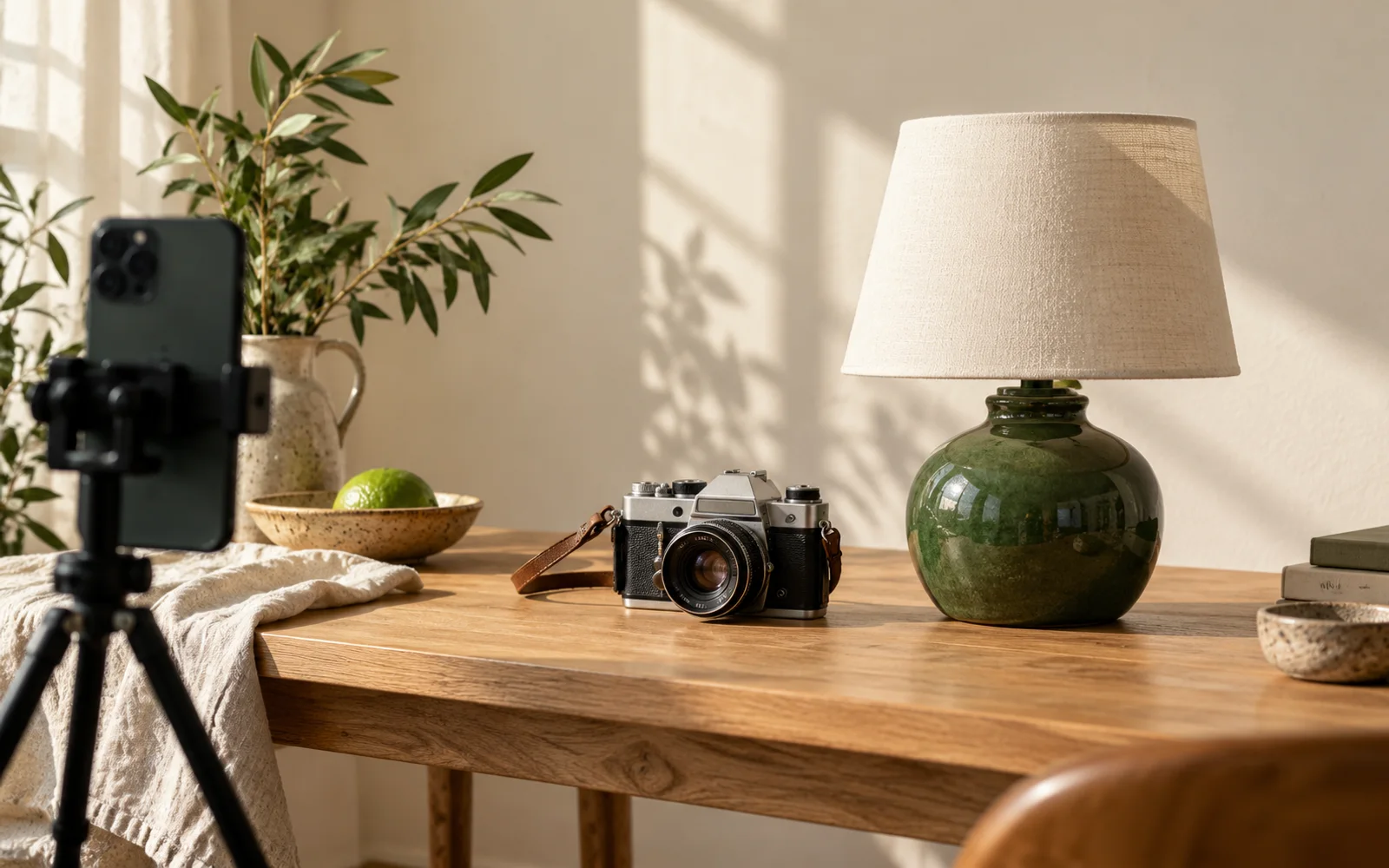
A phone camera is enough to start. Before taking a picture, check the lens, remove nearby clutter, and make sure the item is in focus. Choose a background that makes its edges easy to see. Photographing your own item also avoids a mismatch between a manufacturer's picture and the particular used item a buyer will receive.
Build a six-view photo plan
Think of these as six questions to answer, rather than a requirement to upload exactly six images:
- What is it?
- What does the other side look like?
- What identifies the model or size?
- What wear is present?
- What comes with it?
- How big is it?
Some items need several photos to answer one question.
For a keyboard, the plan might be a full view of the keys, the underside, the model label, a close view of worn keycaps, the cable laid beside it, and a measurement showing its width. For a desk, replace the model-label view with useful construction details and show the drawers open. Do not claim that a still image proves a device works; describe what you actually tested separately.
Make wear easy to locate
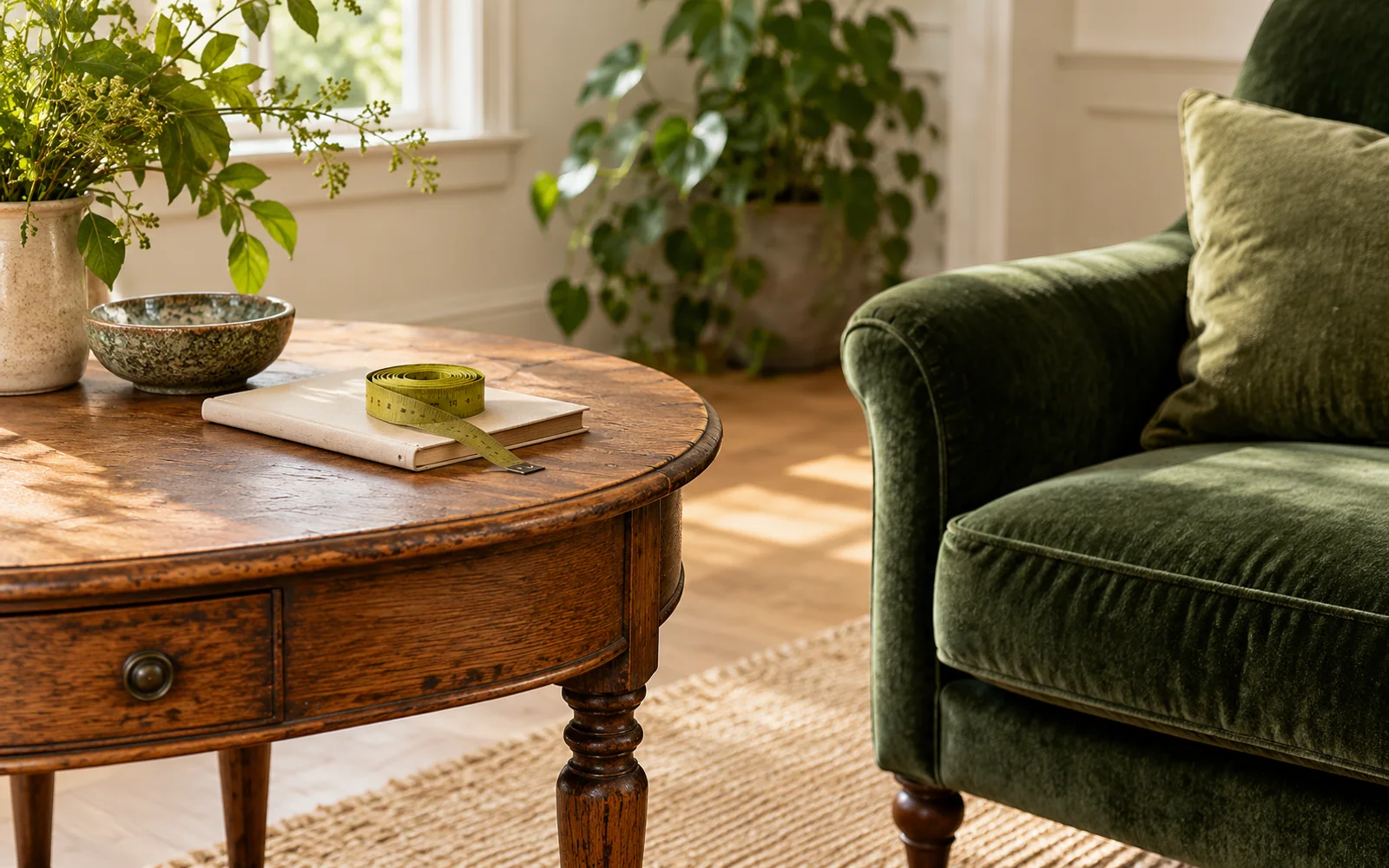
Show a scratch, stain, crack, or missing part in context as well as close up. For example, take one picture of the whole tabletop and another of the mark on its front-left corner. In the description, name the same location so a buyer does not have to guess which part they are seeing.
Avoid filters or edits that erase wear, alter color, or suggest a part is included when it is not. A tidy presentation is useful only if the resulting picture still represents this item accurately. Keep an unedited reference so you can compare any adjusted image against the original.